That wedding photo, the baby's first laugh, your grandmother's portrait — the image you would trust with a memory this precious deserves more than a lucky guess. Here is how to choose a photo that turns into a crystal you will keep forever.
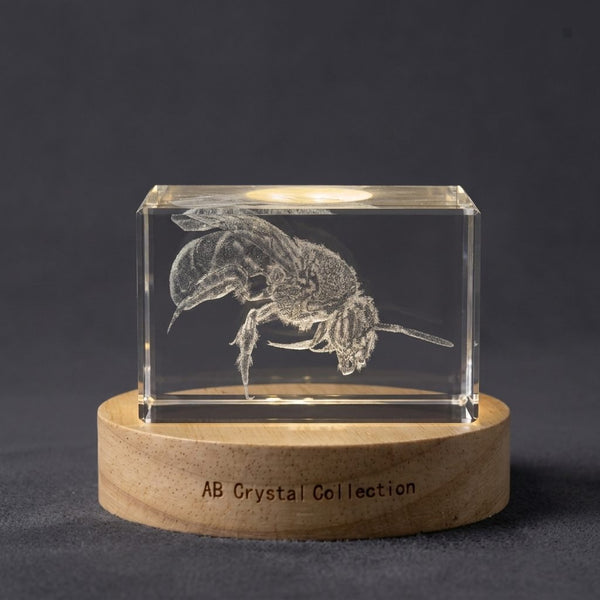
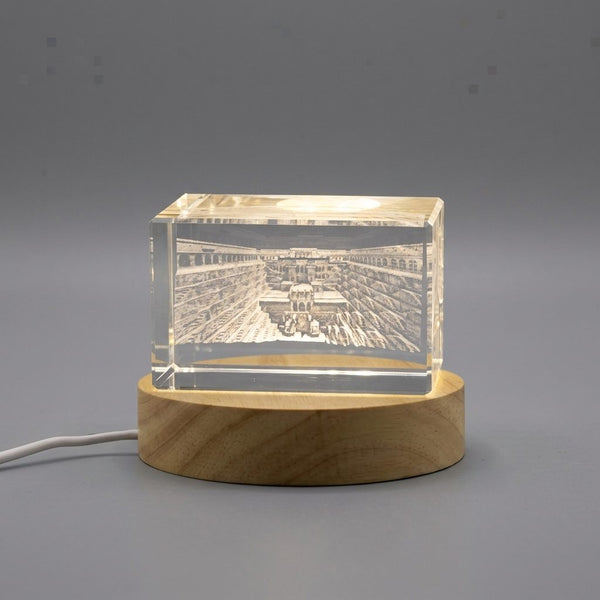
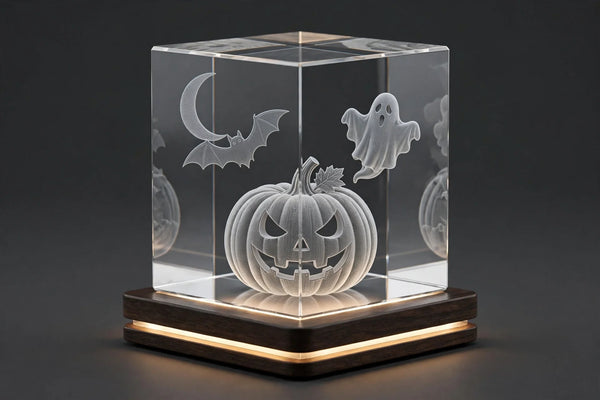
A 3D photo crystal is one of those gifts people never expect and never forget. Inside a solid block of optical crystal, thousands of tiny laser-etched points recreate your photograph in three dimensions. Lit from below, the image glows — like a memory suspended in glass. It sounds magical, and it is. But there is one part of the process no engraver can fix for you: the photo itself.
Here is the truth every crystal artist will tell you: your photo determines roughly 80% of the final result. The laser is precise, the crystal is flawless, but both can only work with what you give them. A mediocre photo becomes a mediocre engraving; a great photo becomes a family treasure. The good news? You do not need a professional photoshoot. You only need to avoid five classic mistakes.
Why Does the Photo Matter More Than Anything Else?
Think of 3D engraving as a translation. A designer reads your photo and rebuilds it as a 3D relief inside the crystal, dot by dot. Every detail in your photo — a smile line, the texture of hair, the folds of a shirt — becomes a physical mark in glass. If the detail is not in the photo, it cannot appear in the crystal.
That is why a photo that looks "fine on a phone screen" can disappoint in crystal. Your phone screen is tiny; the engraving is viewed up close, magnified by the crystal itself. Blurriness, grain, and flat lighting all get amplified. Spend five minutes choosing the right photo, and the rest takes care of itself.
Rule of thumb: if you have to squint or zoom to recognize the faces, the engraving will have the same problem — only bigger.
It helps to understand what happens between your upload and the finished crystal. A designer studies your photo, isolates the subjects, balances the light and shadow, and maps brightness to depth — the bridge of a nose sits higher than a cheek, a smile line carves slightly deeper. Then a laser pulses thousands of microscopic points inside the glass, layer by layer. The whole chain takes hours of human and machine work, yet the quality ceiling is set in the first thirty seconds — by the photo you chose. Choose well, and every step after it adds beauty instead of fighting blur.
What Happens If I Send a Blurry or Too-Small Photo?
Mistake #1 is the one that ruins most engravings: a low-resolution or motion-blurred photo. Screenshots from social media, photos enlarged from a thumbnail, pictures taken in the dark with digital zoom — these are the usual suspects.
A 3D crystal engraving needs clear facial features and readable edges. Send the original photo, straight from the camera roll — never a screenshot, never a photo forwarded through messaging apps that compress it. WhatsApp, Facebook Messenger, and Instagram all shrink images drastically; an "original" from your camera roll can be five to ten times sharper.
Quick check before you send: zoom into the faces at 200% on your phone. If eyes, noses, and lips stay defined, you are good. If they melt into a smudge, pick another photo. The ideal file is the full-size original, typically 1 MB or more for a portrait.
Small photos are not automatically disqualified — a crisp older photograph, even a scanned one, often engraves beautifully. Sharpness beats resolution; a sharp 2-megapixel photo beats a blurry 12-megapixel one every time.
How Do Backlight and Harsh Shadows Affect the Engraving?
Mistake #2 is lighting: strong backlight or harsh midday sun creates shadows the engraving cannot interpret. A face in deep shadow with a blown-out bright sky behind it is the classic backlight trap. The engraving reads light as height — bright areas rise, dark areas sink. When half the face is lost in black shadow, the 3D model loses it too.
The perfect photo for crystal is almost boring in lighting terms: soft, even, natural light on the face. An overcast day, a shaded porch, or a window-lit room facing the subject — all excellent. The photo taken at golden hour with the sun gently on the subject's face? Also wonderful.
Avoid: direct noon sun (deep eye sockets and nose shadows), nightclub lighting (colored patches, grain), and flash reflections on glasses. And one subtle tip — photos where the light comes from the side often give the engraving more depth, because side light reveals the relief of the face naturally.
If your favorite photo has a slight shadow, do not panic. Professional designers routinely rebalance exposure before engraving. What they cannot invent is a face that is completely black or completely white.
Why Should I Avoid a Cluttered Background?
Mistake #3 is the busy background. The party crowd behind you, the tree branches crossing your head, the kitchen counter clutter — the engraving laser does not know what to prioritize. It engraves everything with equal love.
Every extra object in the frame steals clarity from the face you actually care about. The best crystal photos have simple, clean backgrounds: a plain wall, a soft-focus garden, an open sky, a blurred room. Modern phones in portrait mode are fantastic for this — they naturally soften the background so the face pops forward.
Practical fix: most engravers, including the AB Crystal Collection studio, remove or soften backgrounds during the 3D conversion. A slightly busy background can be cleaned up — but a branch growing out of someone's forehead is best avoided at the source. When in doubt, the tighter the crop on your subject, the safer the result.
How Many People Can I Put in One Crystal?
Mistake #4 is overcrowding: five smiling faces squeezed onto a crystal the size of a paperweight. Technically possible; visually disappointing. Every face added divides the available engraving space. On a small surface, four tiny faces become four vague ovals.
The honest guide:
- 1–2 people — any size works, including the smallest keepsakes. Portraits shine here.
- 3 people — a medium block or a heart shape is ideal; small sizes still work but keep the photo sharp.
- 4–6 people — choose a large rectangle for a family group, and send your sharpest photo.
- 6+ people — only a large format, and accept that faces will be small. Consider two crystals instead.
The shape matters as much as the size. A heart-shaped crystal naturally suits couples, parents with a baby, or a beloved pet — subjects that fit a centered, intimate composition. A tall rectangle suits a single standing portrait; a wide rectangle suits groups. Match the photo's framing to the crystal's shape, and the composition feels effortless.
One more honest note: if your group photo has someone half-hidden behind a shoulder, the engraving will show exactly that. Every person should be clearly visible and facing the camera for the best result.

Why Shouldn't I Order at the Last Minute?
Mistake #5 is timing: treating a personalized crystal like a gift card you buy the night before. Every photo crystal is made to order — your photo is converted to 3D, reviewed by a designer, engraved by laser, polished, quality-checked, and shipped. That chain takes real days.
Plan for roughly one to two weeks of production plus shipping time — and more during the holiday season, when engraving studios run at full capacity. Ordering early is not just about avoiding stress; it gives the design team time to perfect your photo conversion instead of rushing it.
Working backward from the gift date is the safest habit: subtract shipping time, then production time, then a few days of buffer. A crystal ordered two to three weeks before the occasion arrives calm; a crystal ordered in panic often does not arrive at all. And here is the secret advantage of ordering early — many studios, AB Crystal Collection included, let you preview the 3D design before engraving, so you can request tweaks while there is still time.
Which Crystal Format Should I Choose for My Photo?
You avoided the five mistakes; now pick the stage for your photo. The shapes each tell a different story:
- Small keepsakes — desk-friendly, perfect for a single portrait or a couple. Understated and personal. A favorite for office desks and bedside tables.
- Medium blocks — the all-rounder: families of three to four, wedding couples, memorial portraits. The most gifted size, with enough surface for faces to stay lifelike.
- Large rectangles — for group photos and milestone moments that deserve presence: anniversaries, graduations, family reunions. When unwrapped at a party, these get the gasp.
- Heart shapes — romantic and memorial by nature: weddings, Valentine's Day, remembrance of a loved one or pet. The shape itself says what words cannot.
Browse the full range by size and shape to match your photo to its ideal format:

Frequently Asked Questions
Can I use an old or scanned photo for a crystal engraving?
Yes — a sharp scan often engraves beautifully, and age does not matter. What matters is clarity: scan at 300 DPI or higher, in full color, with no creases across the face. Faded colors are fine; designers rebuild the image in monochrome 3D anyway.
Do black-and-white photos work better than color photos?
Both work, because the engraving itself is monochrome — the laser renders in shades of grey depth, not color. Color photos with good contrast actually give designers more tonal information to work with, so do not convert your photo to black and white first; send the original.
Can the engraver remove an unwanted person or object from my photo?
Often, yes. Background cleanup and removing a stray object at the edge of the frame are routine. Removing a person standing between two others is much harder and can leave the composition awkward — it is always better to choose a photo where everyone belongs in the frame.
Will I see a preview before my crystal is engraved?
Reputable engravers show you the 3D design for approval before the laser touches the crystal. Never skip the preview: it is your one chance to ask for adjustments to framing or likeness. This is another reason to order early — previews need time.
Key takeaways
- Your photo decides ~80% of the result — five minutes of selection beats any post-processing.
- Send the original file (1 MB+, never a screenshot or a messaging-app forward) and zoom to 200% to check sharpness.
- Soft, even light on the face engraves best; avoid backlight, harsh noon sun, and heavy shadows.
- Keep backgrounds simple — a plain wall or blurred garden lets the face take center stage.
- Match the crowd to the crystal: 1–2 people fit any size, 3 suit a medium or heart, 4–6 need a large rectangle.
- Order 2–3 weeks before the occasion — production, designer preview, and shipping all need real time.
Choosing the photo is the one part of a crystal gift that only you can do — and now you know exactly how to do it well. Pick the sharp one, the well-lit one, the one where everyone is smiling at the camera, and let the laser do the rest.
Your best photo deserves better than a frame: engrave it in crystal.